
Why Your Shopify Store Isn't Converting (And How to Fix It in 2026)


You spent weeks building the store. You're paying for ads. Traffic is coming in. And yet the sales dashboard keeps flatlining at 0.7%.
If that feels familiar, you're not alone, and your product probably isn't the problem.
Most Shopify stores don't convert because of a short list of fixable mistakes, not because the offer is wrong or the market is saturated. In our agency work, we've audited hundreds of Shopify stores across fashion, skincare, home goods, supplements, and B2B wholesale. The patterns are almost boringly consistent. Fix the top three and conversion rate typically doubles inside 45 days.
This is the definitive guide to understanding why your Shopify store isn't converting, how to diagnose your specific bottleneck, and what to do about each one. No fluff, no recycled listicles, just the stuff that actually moves the needle.
Let's get into it.
First, Let's Talk About What "Not Converting" Actually Means
Before you panic about your numbers, you need a real benchmark. Most founders compare themselves to vanity screenshots on X and feel terrible. Don't.
Here's what normal looks like on Shopify in 2026:
Average Shopify conversion rate: 1.4% to 1.8%
Good (top 20%): 2.5% to 3.5%
Elite (top 5%): 4% and above
If your store is sitting between 1% and 1.5%, you're average. If you're below 0.8%, something is broken and this guide is going to help you find it. If you're already above 3%, you're in solid territory and you're looking for the marginal gains that turn a profitable store into a category leader.
One caveat: averages lie. A skincare store with repeat buyers should be converting at 3%+. A high-ticket furniture store might be healthy at 0.6%. Your price point, category, and traffic source matter more than a generic benchmark. Use industry numbers as a sanity check, not a verdict.
Now, the reasons.
Reason 1: Your Store Looks Like Every Other Dropshipping Store
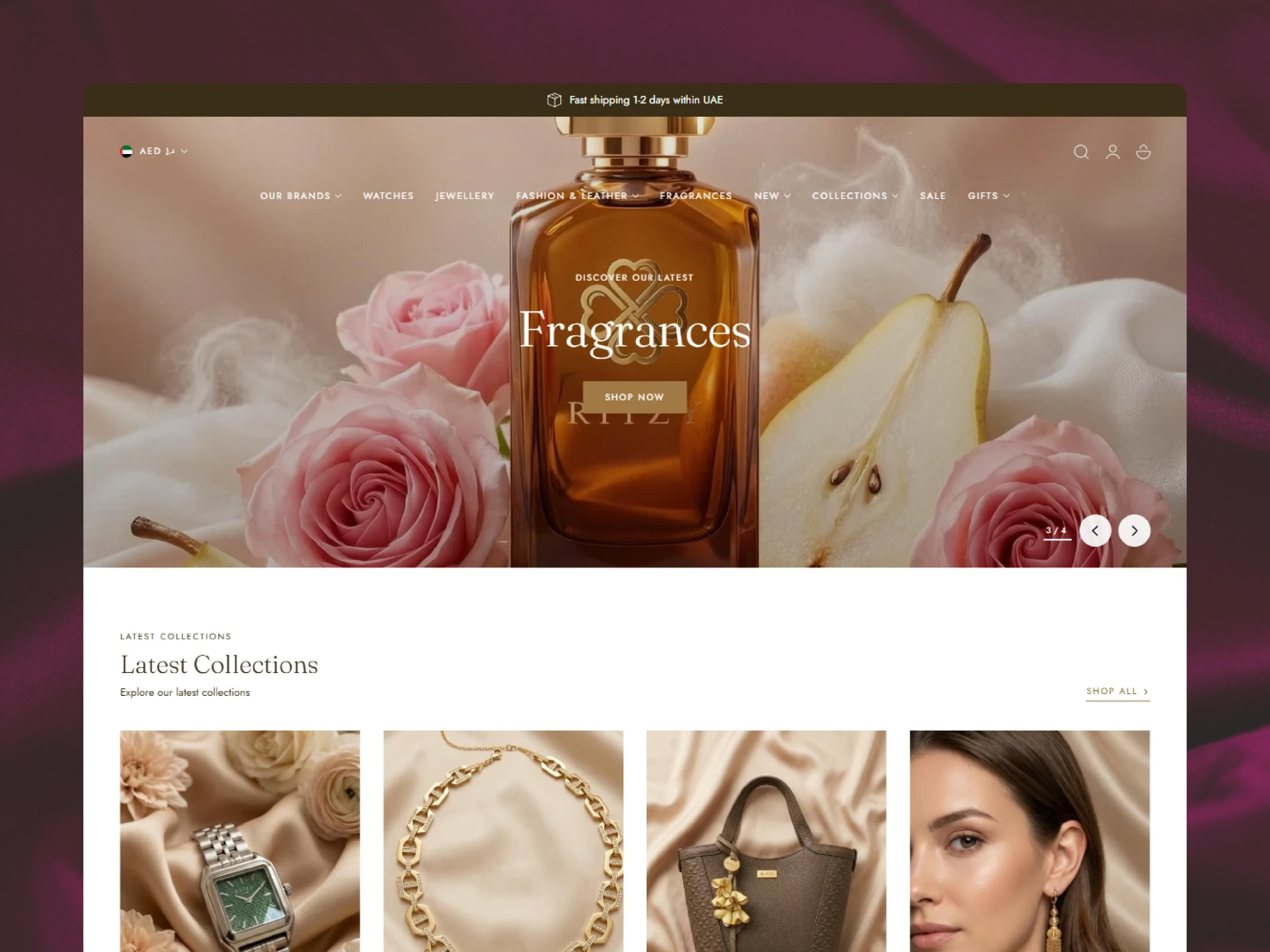
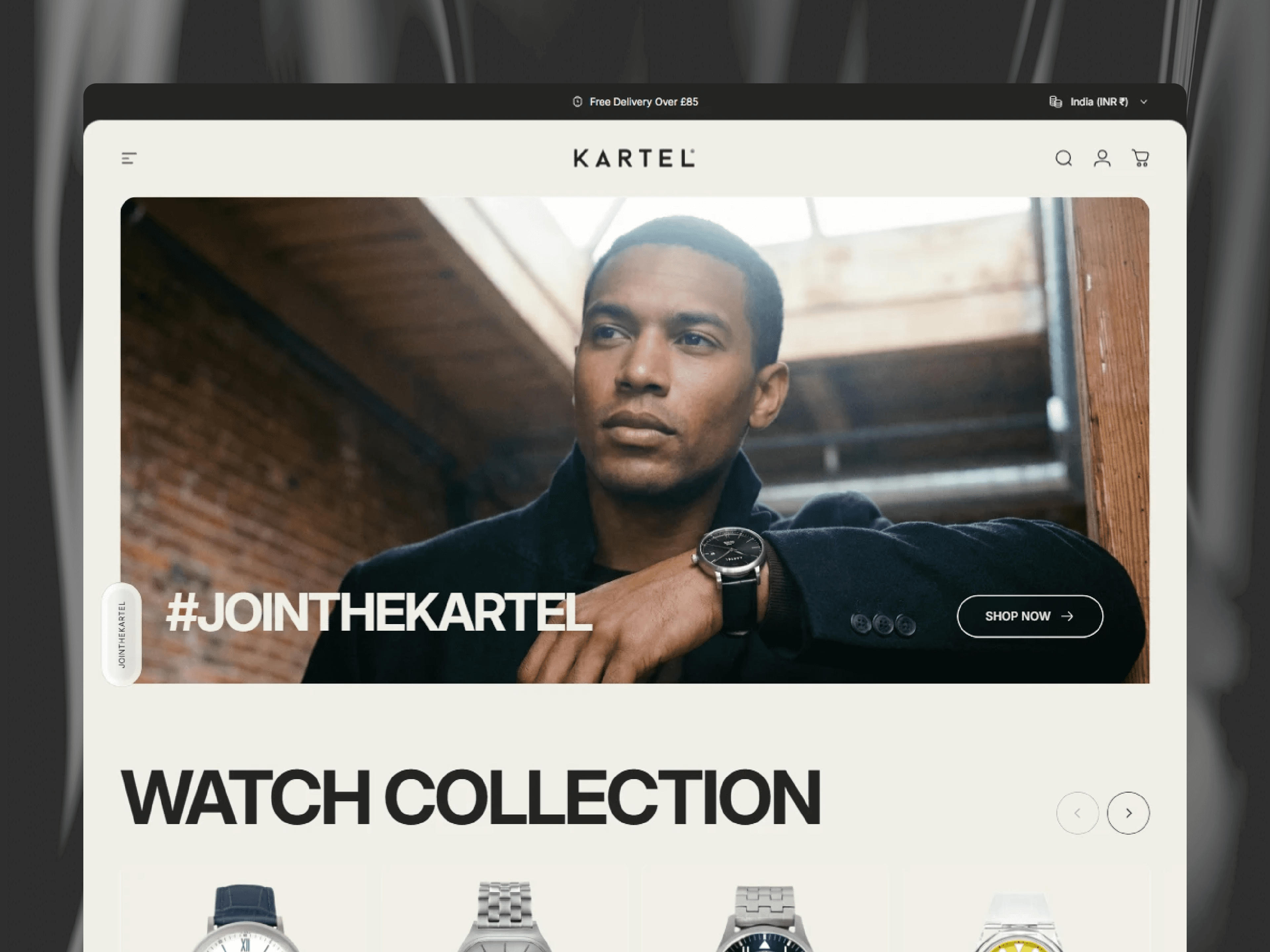
This one hurts. Most low-converting Shopify stores look identical. Same Dawn theme, same hero image on a white background, same "Summer Sale" banner, same three trust badges in the footer.
Shoppers in 2026 can smell a template from the landing page. The moment they feel uncertainty about whether you're a real brand, the decision to leave is already made. They don't articulate it as "this looks templated," they feel it as "something's off" and bounce.
What real trust looks like on a modern Shopify store:
Founder-led storytelling on the About page, with an actual face and a real origin story. Not stock photos of smiling models in a warehouse.

Product photography that's custom to your brand, not manufacturer photos lifted from AliExpress. Even basic lifestyle shots shot on an iPhone beat generic product cut-outs.
Social proof that feels human. Real reviews with names, dates, photos, and a mix of 4-star reviews alongside the 5-stars. A perfect review page reads as fake. A messy, honest one builds trust.
Press logos, retailer logos, or partner badges if you have them. If you don't, skip this section entirely. Fake trust badges are worse than none.
A returns policy, shipping times, and contact page that are easy to find. If shoppers can't figure out how to get their money back, they won't give it to you in the first place.
Quick diagnostic: Open your homepage in an incognito window. Within 5 seconds, can a stranger tell who you are, what you sell, and why they should buy from you instead of Amazon? If no, this is the first fire to put out.
Reason 2: Your Store Is Slow, And You Don't Even Know It
Speed kills conversions faster than ugly design. Every additional second of load time drops conversion rate by roughly 7%, and that compounds on mobile where you're already fighting for attention.
The tricky part is that your store feels fast to you because it's cached on your browser. New visitors, especially on 4G mobile, are having a different experience.
Run your store through Google PageSpeed Insights and look at two numbers:
Largest Contentful Paint (LCP): under 2.5 seconds is the threshold. Most Shopify stores clock 4 to 6 seconds.
Cumulative Layout Shift (CLS): under 0.1. If things are jumping around as the page loads, shoppers bounce.
What's slowing your store down, in order of impact:
Heavy apps you forgot you installed. Review apps, upsell apps, popup apps, and quiz apps all inject scripts that run on every page. Audit them and remove any you're not actively using.
Unoptimized images. Hero images uploaded at 3000px wide when they render at 1200px. Product photos saved as PNGs instead of WebP. Running every image through a compression tool like Shopify's built-in image optimizer or a third-party app is the single biggest quick win.
Too many fonts. If you're loading three font families with four weights each, that's 12 font files before the page can render. Stick to one or two max.
Theme bloat. Older themes, or themes with every section enabled by a previous developer, carry JavaScript that isn't doing anything. A properly optimized theme, or a custom build on a modern framework like Hydrogen, can cut load time in half.
If this feels technical, it is. Shopify speed optimization is one of the highest-ROI services any serious agency offers, because the math is simple: faster store, higher conversion rate, lower ad costs.
Reason 3: Your Product Pages Don't Sell, They Describe
Most Shopify product pages read like a product catalog. Title, a few bullet points, five carousel images, add to cart. That's fine for a shopper who already decided to buy. It's useless for the 95% who are still deciding.
A product page that converts does three jobs: it answers the buyer's objection, it makes the buyer feel something, and it reduces the perceived risk of buying.
What to audit on your product page:
The above-the-fold story. In the first screen on mobile, does the shopper understand what the product is, who it's for, and what it does? Most product titles are useless. "Elevate Serum" tells me nothing. "Vitamin C Serum for Dull Skin, Brightens in 14 Days" tells me everything. Be specific.
Image sequence. The first image should show the product in use, not the product on a white background. Shoppers need to see themselves using it, holding it, wearing it. White background shots are for the catalog grid.
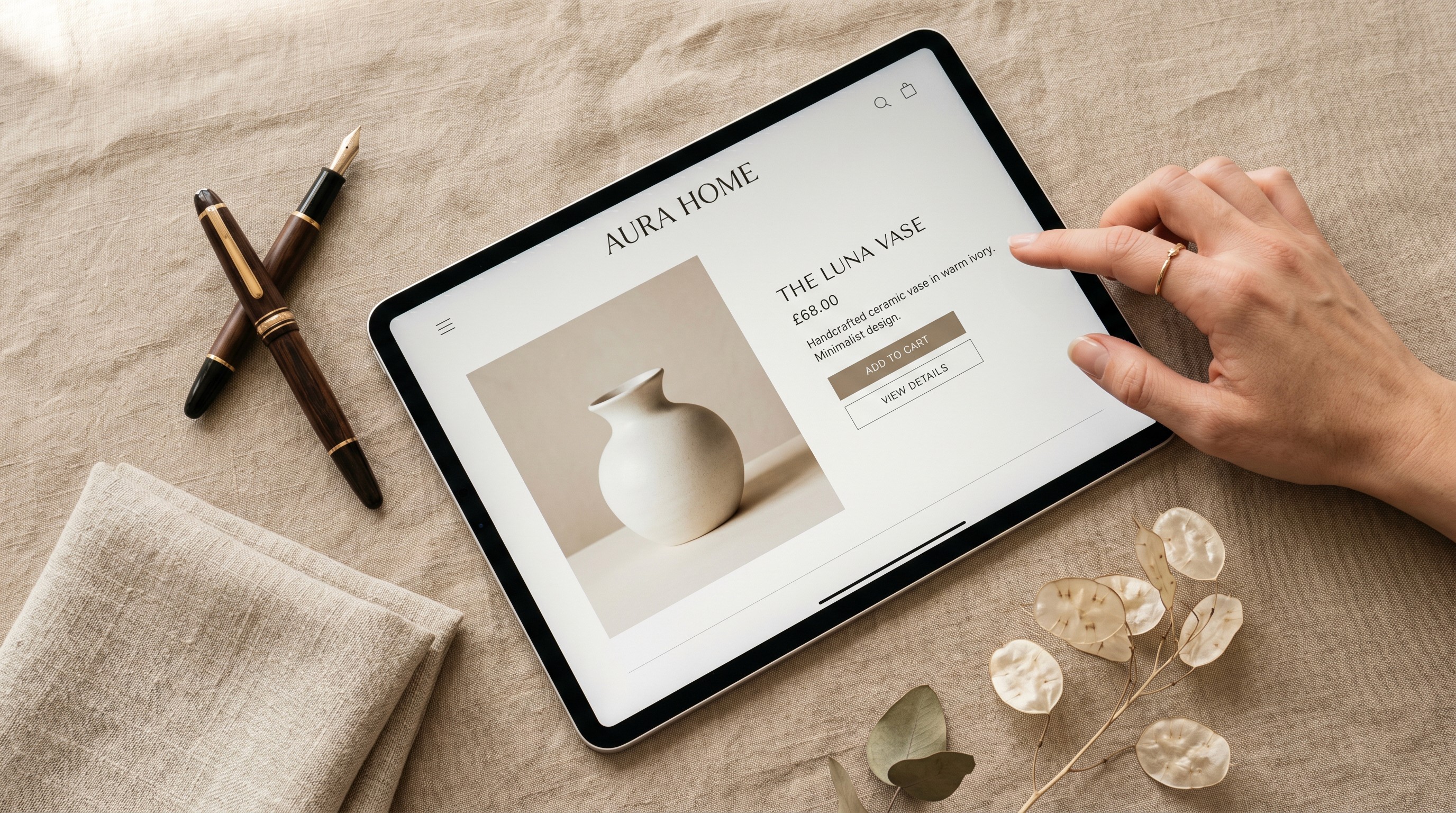
Social proof placement. Reviews shouldn't be buried at the bottom. Show a review count and star rating under the product title. Embed a featured review inside the description. Add photo reviews in the image carousel. Make the buyer feel like they're joining a crowd.
Objection handling in the description. Every product has three or four objections that kill sales. Is it safe? Will it fit? How long does it last? Does it actually work? Your description should address each of them head-on, either in text or through FAQs on the page.
Video where possible. A 30-second product video on the page increases conversion by 30% on average in our client data. It doesn't need to be a Hollywood production. An iPhone video showing the product in use beats a Pinterest-perfect still image every time.
Trust signals near the add-to-cart button. Free shipping threshold, money-back guarantee, secure checkout badge. These are the last nudges that push a "thinking about it" shopper into a "buying it" shopper.
Reason 4: Your Checkout Has Friction You Don't See
Shopify's default checkout is already one of the best in the world, but it's easy to bolt friction onto it without realizing.
Common checkout killers:
Forcing account creation. If a shopper has to make an account before paying, you'll lose a chunk of them. Enable guest checkout, then offer account creation as an optional step at the thank-you page.
Too many form fields. Every extra field is a bounce opportunity. Ask for the minimum you need to ship the order. Birthday and company name are almost never worth the friction.
Unexpected shipping costs. This is the single biggest reason for abandoned carts globally. If shipping is calculated only at checkout and it shocks the buyer, you just lost them. Communicate shipping costs and thresholds on the product page, in the cart, and ideally with a free-shipping progress bar in the cart drawer.
Payment options that don't match your audience. Shopify Payments, Shop Pay, Apple Pay, Google Pay, PayPal, and one "Buy Now Pay Later" option like Klarna or Afterpay covers almost everyone. Missing these in 2026 is leaving money on the table, especially with Gen Z shoppers who default to BNPL.
Slow checkout load time. Yes, this is still a thing. If your checkout is running legacy scripts, review apps that fire on checkout, or an old Shopify Plus checkout extension, it can take 5+ seconds to load after the shopper clicks Pay. Most people will wait about 3.
Quick diagnostic: Go through your own checkout on mobile using a clean browser. Time how long each step takes. Note any moment you felt friction. That's what your customers are feeling.
Reason 5: You're Driving the Wrong Traffic
Sometimes the store is fine. The traffic is the problem.
This is especially true for stores running Meta ads to broad audiences with creative that's optimizing for views instead of buyers. Views are cheap. Buyers are not. If your ad campaigns are pushing top-of-funnel traffic to a product page, your conversion rate will look awful regardless of how good the page is.
What a healthy traffic mix looks like for a Shopify store:
Bottom-of-funnel paid traffic: shoppers who already know what they want. Google Shopping, branded search, retargeting ads. These convert at 3 to 6%.
Mid-funnel paid: shoppers who've engaged with your brand but haven't bought. Lookalike audiences, advantage+ shopping, warm email flows. These convert at 1.5 to 3%.
Top-of-funnel: cold Meta or TikTok traffic, SEO, influencer traffic. These convert at 0.3 to 1%, and that's fine, because they're cheaper to acquire and you're building audience, not just sales.
If 80% of your traffic is cold top-of-funnel, your blended conversion rate is always going to look weak. That doesn't mean the store is broken. It means you need a better retargeting system and a longer payback window in your math.
The fix: before you rebuild your store, pull a traffic-source breakdown in GA4 or Shopify's Reports. Look at conversion rate by source. If branded search and direct traffic are converting at 3%+ but cold paid is at 0.5%, your store is fine. Your media mix isn't.
Reason 6: You're Ignoring the Money Left on the Table
Here's a stat that reshapes how you think about conversion rate: most Shopify stores make 25 to 40% of their revenue from email and SMS, not from website visits.
If you're only optimizing the first-session conversion, you're ignoring the real flywheel.
The email and SMS stack every Shopify store should have:
Welcome series. Triggered when someone joins the list, delivered over 3 to 5 emails. Introduces the brand, tells the story, shares social proof, and drops a first-purchase offer in email 2 or 3.
Abandoned cart flow. Three emails across 24 hours. Email 1 reminds, email 2 addresses objections, email 3 offers a nudge (free shipping, small discount, bonus).
Abandoned checkout flow. Separate from cart abandonment. These shoppers are warmer. Two emails inside 6 hours.
Post-purchase flow. Thank them, ask for a review after delivery, cross-sell a complementary product 14 days later.
Browse abandonment. If a known subscriber viewed a product and didn't add to cart, send a nudge 6 hours later.
SMS for the urgent moments. Cart abandonment 30 minutes after, flash sale alerts, shipping notifications.
Klaviyo, Omnisend, or Shopify Email can all run this. The platform matters less than the flows being live and tested. Most stores we audit are missing three or four of these out of the box.
Reason 7: Your Mobile Experience Is Quietly Terrible
75% of Shopify traffic is mobile. Most stores are still designed desktop-first.
On mobile, conversion rates are typically 30 to 50% lower than desktop, and that gap is mostly self-inflicted. If your mobile experience is a scaled-down desktop site, you're losing the majority of your potential revenue.
What mobile-first actually looks like:
Sticky add-to-cart on product pages. The buy button should always be reachable, not require scrolling back up.
Thumb-zone navigation. Menus, search, and cart should be in the bottom third of the screen, where thumbs land naturally. Hamburger menus in the top corner on mobile are a 2018 pattern.
Image carousels that work with one hand. No tiny dots to tap. Swipe should be smooth, and the first image should tell the story even if they don't swipe.
Forms that don't make you cry. Proper input types (email keyboard for email, number pad for phone), autofill enabled, sensible field lengths. Filling out a shipping form on a broken mobile layout is the #1 reason mobile carts get abandoned.
Popups that don't eat the screen. A popup that covers 100% of a mobile screen with a tiny close button is a bounce machine. If you run popups, make them small, delayed, and trivially dismissable.
The quickest diagnostic here is to ask five friends to buy something from your store on their phones without your help. Watch them do it. The stuff they stumble on is your priority list.
How to Diagnose Your Specific Problem in 30 Minutes
Reading a list of 7 reasons is useful. Knowing which two are actually costing you money is more useful.
Here's the three-step audit we run on every new client store, and you can do it yourself in half an hour.
Step 1: Pull the conversion rate by segment.
In Shopify Analytics, break your conversion rate down by device, traffic source, and landing page. You're looking for gaps. If desktop converts at 3% and mobile at 0.8%, you have a mobile problem. If branded search converts at 4% but cold paid at 0.3%, you have a traffic problem, not a store problem.
Step 2: Record a session.
Install Microsoft Clarity (free) or Hotjar and watch 10 session recordings of people who didn't buy. You'll see exactly where they hesitate, scroll past, rage-click, or give up. Thirty minutes of watching real users is more valuable than most paid audits.
Step 3: Check the basics.
Run PageSpeed Insights. Go through your own checkout on mobile. Open the store in incognito and see what a cold visitor sees. Write down every moment of friction. That list is your roadmap.
Most store owners discover the problem is two or three specific things, not the entire store being broken. That's good news. It means the fix is cheaper than you think.
Quick Wins You Can Implement Today
Before you hire anyone or rebuild anything, try these. They take an hour or less and frequently move conversion rate 10 to 20%.
Add a sticky add-to-cart button on mobile. Most modern themes have this setting buried in theme customization. Turn it on.
Enable Shop Pay, Apple Pay, Google Pay. One-tap payment options. This is a 5-minute win.
Add a review count and rating under your product title. If you have reviews but they're buried at the bottom of the page, move them up.
Write a free-shipping threshold into your cart drawer with a progress bar. AOV goes up, shoppers feel rewarded. Most review apps and cart apps offer this for free.

Remove one popup. You probably have too many. Pick the weakest-performing one and kill it. Your bounce rate drops, your real popup converts better.
Compress your hero image. Run it through TinyPNG or Shopify's image editor. The file size drops 60%, your homepage loads half a second faster.
None of these are groundbreaking. All of them add up.
When It's Time to Stop DIY and Bring in an Agency
Most Shopify founders hit a ceiling around the $20k to $50k monthly revenue mark where diminishing returns on their own time become obvious. You've installed the apps, changed the theme twice, tried three different ad accounts. Conversion is stuck.
That's the point where a proper audit and rebuild pays for itself in 30 to 60 days, not 12 months.
What to look for in a Shopify partner, briefly:
Track record with stores in your revenue range, not just flashy logos. An agency that's taken a $30k/month store to $150k/month is more useful to you than one that works exclusively with Shopify Plus brands doing $5M.
Conversion rate optimization built into their process, not bolted on. Anyone can build a pretty store. Few agencies actually move the conversion rate needle.
Transparent reporting and before/after numbers from real clients. Case studies with actual conversion rate lifts, not vague "increased engagement" claims.

Speed and technical performance as a core competency. A lot of agencies are great at design but ship slow stores.
If you want to see how we think about all of this, the Shopify setup cost guide we published covers the investment side of starting and scaling a store properly.
The Bottom Line
Most stores aren't broken. They have three or four fixable problems that stack into a 1% conversion rate when they should be at 2.5%. Fix the biggest two, and the math of the business changes.
If you've read this far, you already know more about Shopify conversion rate optimization than 90% of store owners running stores right now. The difference between the ones who fix the problem and the ones who don't is usually just a decision to stop guessing and start measuring.
Want a Second Set of Eyes on Your Store?
At Starhead Digital, we build and optimize Shopify stores for DTC brands that are past the MVP stage and ready to scale. If your store is converting below 1.5% and you're paying for traffic to a leaky funnel, we'll run a free 20-minute audit and tell you exactly what we'd fix in the first 30 days, with numbers, not fluff.
Book your free Shopify audit →
No pitch, no upsell if it's not a fit. Just the three things that would move your conversion rate the most.